4 Signs You Need to Replace Excel with CRM Software
According to research published by Harvard Business Review, sales teams that respond to online leads within an hour are nearly […]

- If you want to replace Excel with CRM automation, you are not alone. Most US small and medium businesses start out tracking contacts and revenue in spreadsheets—until broken formulas, duplicate files, and manual weekly reports start costing hours of productive time.
- Broken Formulas and Version Chaos: When multiple team members edit
Sales_Tracker_FINAL_v3.xlsx, data gets overwritten and revenue numbers stop matching up. - Manual Reporting Burnout: Exporting CSVs, building pivot tables, and formatting charts every Friday eats up 5 to 10 hours of leadership time each week.
- Missed Follow-Ups: Spreadsheets do not remind you when a warm lead has not been contacted in four days. Deals quietly go cold.
- Zero Real-Time Visibility: By the time you finish building your monthly performance report, the data is already out of date.
According to research published by Harvard Business Review, sales teams that respond to online leads within an hour are nearly seven times more likely to qualify the lead than those who wait even an extra hour. Manual spreadsheets simply cannot match that speed.
What a User-Friendly CRM Does Differently
Many SMB owners hesitate to leave spreadsheets behind because they picture bloated, expensive enterprise software that takes six months to learn. Modern small business CRMs are the exact opposite—they are built for speed, clarity, and immediate ROI.
1. Automated Lead Capture
Instead of copying and pasting inquiries from your email inbox or website forms into rows and columns, new leads flow directly into your sales pipeline automatically.
2. One-Click Live KPI Dashboards
When you replace Excel with CRM reporting, static charts become live dashboards. Track monthly recurring revenue, deal win rates, and sales rep performance in real time—without touching a single formula.
3. Hands-Free Follow-Up Sequences
Set simple automation rules so the system assigns tasks, sends follow-up reminders, or triggers personalized check-in emails the moment a lead changes stage.
4. Built for Non-Technical Teams
A truly user-friendly CRM removes clutter. Your team sees only the fields, pipelines, and reports they actually need—meaning full team adoption in days, not months.
Excel vs. Automated CRM: Side-by-Side Comparison
| Workflow Task | Manual Excel Spreadsheets | Simple Automated CRM |
| Lead Entry | Manual copy-paste from emails and forms | Automatic capture and assignment |
| KPI and Sales Reports | Built manually every week or month | Live, real-time automated dashboards |
| Follow-Up Reminders | Relies on memory or sticky notes | Automated alerts and email sequences |
| Team Collaboration | File conflicts and outdated versions | Cloud-based, single source of truth |
| Error Risk | High (accidental deletions or broken formulas) | Low (validated fields and audit logs) |
How to Migrate from Excel to a CRM in 3 Simple Steps
Making the switch does not require shutting down your sales team for weeks. A smooth migration follows three straightforward steps:
- Clean Your Current Columns: Remove duplicate contacts, standardize phone numbers, and decide which historical deal fields actually matter for reporting.
- Map Your Sales Stages: Turn your spreadsheet status tabs into clear visual pipeline stages (for example: New Lead → Qualified → Proposal Sent → Closed Won).
- Automate Your Core Reports: Connect your website lead forms and email inbox, then set up two or three core KPI widgets so leadership sees live revenue numbers every morning.
Frequently Asked Questions About Switching from Excel to a CRM
How long does an Excel to CRM migration take for a small business?
For most small and medium businesses with clean spreadsheets, migrating contacts, setting up custom pipeline stages, and automating core KPI dashboards takes between 3 to 7 business days.
Will my team need technical training to use a CRM?
No. A properly configured, user-friendly CRM strips away unnecessary enterprise features so your sales and operations team can learn the daily workflow in under an hour.
Can I still export data to Excel if my accountant needs it?
Yes. Every modern CRM allows one-click CSV or Excel exports whenever your bookkeeper or CPA needs raw numbers for tax or financial reviews.
Ready to Replace Excel with CRM Automation?
You do not need an expensive enterprise system or months of IT consulting to streamline your workflow. With a clean migration, your existing customer history, active deals, and custom KPIs transfer straight into an intuitive platform tailored to your business.
Want to see how much manual reporting time your team can save?
Book a free 15-minute workflow audit with DataPoch today—we will review your current Excel setup and map out a simple, automated CRM solution built specifically for your business.
Want this built for your business? Datapoch builds custom CRM and follow-up automation for US service businesses. Book a free call to talk through your project.
Stop Losing Contractor Leads
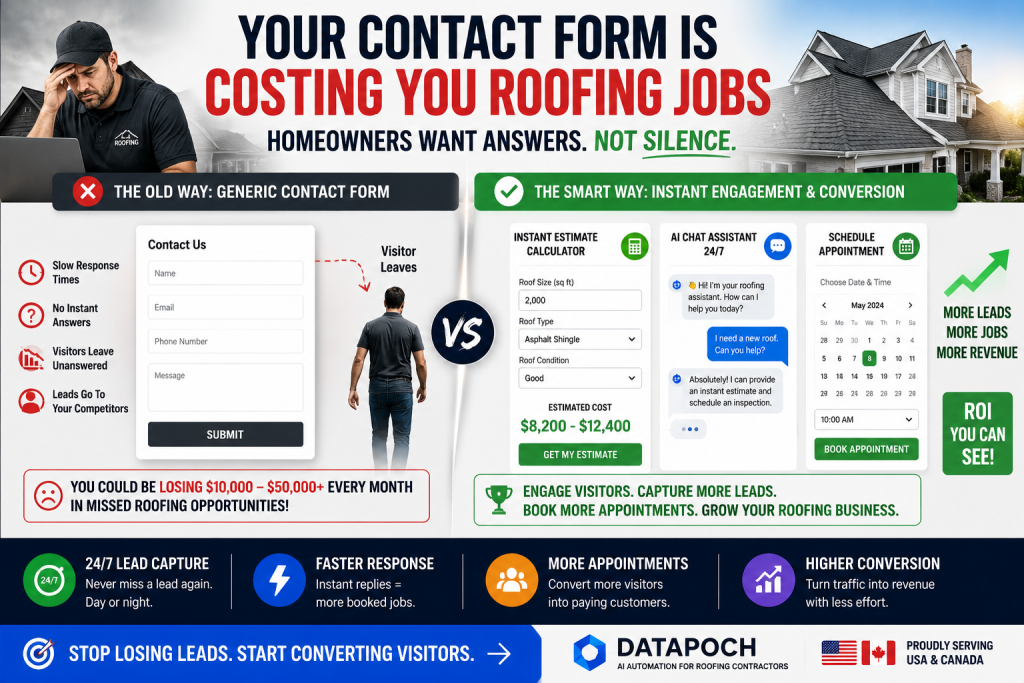
Datapoch helps contractors in the USA and Canada capture more leads, automate follow-up, and book more appointments.
Get Free ConsultationFrequently Asked Questions
How can contractors get more leads from their website?
Contractors can improve results by adding faster response systems, clearer calls to action, instant estimate tools, AI chat, and automated follow-up.
Does this blog layout work with old posts?
Yes. Once the plugin is activated, it automatically applies the premium layout to existing and new single blog posts.
Is this plugin built for Astra Free?
Yes. It is designed to work with Astra Free and Classic Editor, but it should also work with most standard WordPress themes.