AI Automation for Small Businesses: 5 Proven Ways to Save Tim
Implementing AI automation for small businesses is a proven way to eliminate repetitive administrative tasks, stay organized, and focus on […]
Implementing AI automation for small businesses is a proven way to eliminate repetitive administrative tasks, stay organized, and focus on growth. Small businesses across the United States and Canada often spend hours managing customer inquiries, following up on leads, preparing quotes, updating spreadsheets, and handling administrative burdens. While these activities are vital, managing them manually takes valuable time away from serving customers.
Using smart workflow software helps simplify repetitive tasks, organize information, and connect the software your team already uses. However, finding the right path depends entirely on your company’s existing workflows, budgets, and long-term goals.
In this guide, we explain how small businesses can use AI automation, which processes are worth automating first, and how to choose a practical solution that drives real value.
What Is AI Automation for Small Businesses?
AI automation for small businesses combines digital software workflows with artificial intelligence to help businesses handle tasks that traditionally require repetitive manual labor.
It’s helpful to understand the difference between basic, traditional automation and AI-powered automation:
- Traditional Automation: Follows strict, predefined “if-this-then-that” rules. For example, a system might automatically send a confirmation email when a customer submits a contact form on your website.
- AI-Powered Automation: Can handle varied, unstructured data. AI can classify incoming customer inquiries, extract key details from messy messages, draft personalized responses, summarize long files, or help team members interpret business data.
For example, a contractor could use an automated workflow to collect project details from a website, use AI to prepare an initial estimate draft, and schedule follow-up reminders once that quote has been delivered to the client.
Important Note: AI should support business decisions, not make them autonomously. Any actions involving pricing, contractual commitments, or sensitive customer information should always require a quick human review.
Five Business Processes Worth Automating
If you’re wondering where to start, focus on processes that are highly repetitive and require minimal subjective decision-making. Here are five of the best candidates:
1. Customer Inquiry Management
Small businesses frequently get inquiries from their website, emails, and social media channels. An automated system can collect contact info, categorize the inquiry (e.g., “urgent repair” vs. “general quote”), identify if any details are missing, and even prepare a draft response for your team to review. For service businesses, this ensures new leads are organized and get a fast, consistent response.
2. Quote and Estimate Preparation
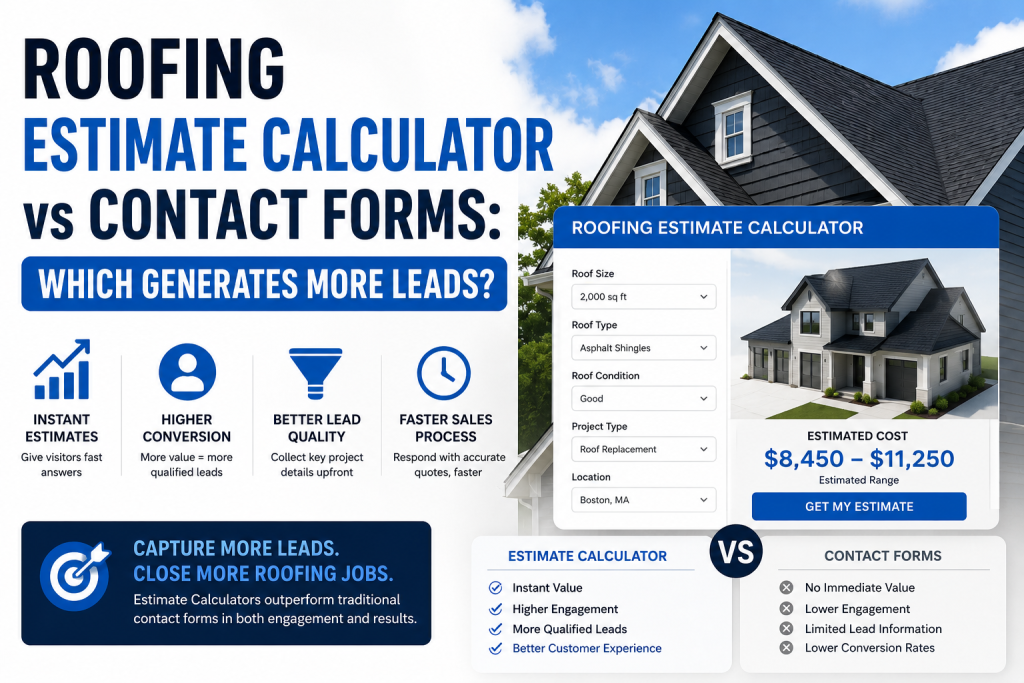
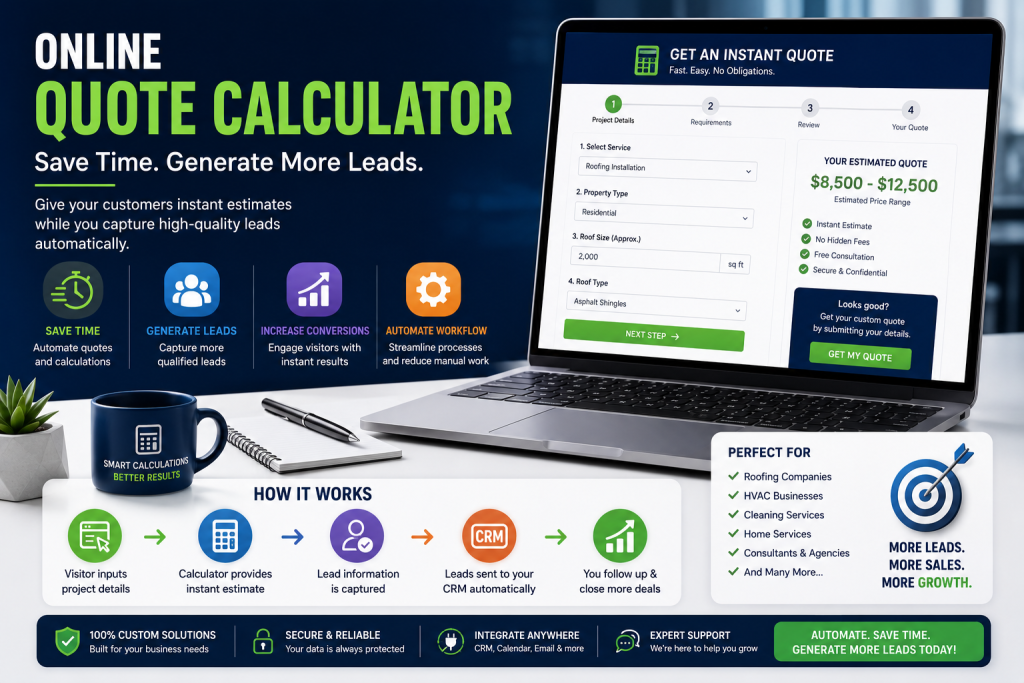
Calculating materials, labor, and project requirements before making a quote can take hours. Modern business workflow software can standardize these calculations, organize project data, and generate professional PDFs. AI can help summarize client requirements, while the calculation rules stay transparent and verifiable.
Example: A flooring contractor might start with our free flooring cost calculator to get an accurate square-footage estimate, and eventually integrate that data into a larger system that stores estimates, updates customer records, and schedules automated reminder emails. (Note: This internal link connects back to your other published post, clearing Rank Math’s internal link error).
3. Appointment and Booking Workflows
For businesses relying on site visits, consultations, or service calls, automation can collect customer availability, send confirmation texts, and issue reminders. A good booking workflow checks real-time availability before confirming and automatically flags scheduling conflicts or exceptions to a team member.
4. Customer Follow-Ups
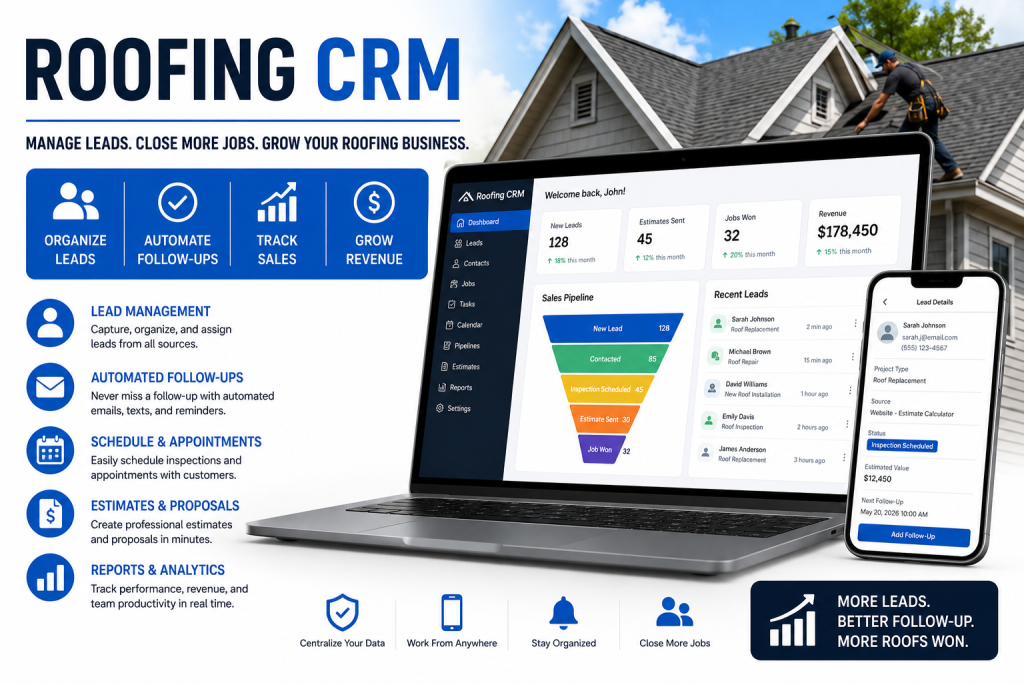
It’s easy to send a quote and forget to check back with the client. A small business CRM or workflow automation system can track exactly when a quote was sent and schedule automatic, friendly reminders. It also helps your team automate customer follow-ups and prioritize leads that need attention.
Keep in mind: Ensure all automated messages comply with customer consent, communication preferences, and local privacy/marketing laws (like CASL in Canada and CAN-SPAM in the US).
5. Business Reporting and Analytics
Many small businesses operate primarily out of spreadsheets. Data analytics and workflow tools can automatically pull data from different sources, clean it, calculate key metrics, and show them in an easy-to-read dashboard. While AI can quickly summarize patterns, important figures should always be traceable to their source data.
How to Choose the Right AI Automation Solution
Before investing in AI automation for small businesses, identify a specific bottleneck that is eating up time or causing errors. Use this 5-step approach:
- Identify the Problem: Track the repetitive task and note how often it occurs.
- Document Your Current Workflow: Outline the people, software, data, and decisions involved in that task today.
- Start Small: Automate one well-defined, simple task instead of trying to rebuild your entire business on day one.
- Measure the Outcome: Compare processing time, missed follow-ups, or errors before and after you implemented the automation.
- Expand Gradually: Add advanced integrations and AI capabilities only after the first step has proven its value.
A simple email rule or calculator may solve a basic issue. However, businesses with multiple employees, extensive customer records, and interconnected workflows often benefit from a custom software solution.
Off-the-Shelf Software vs. Custom AI Automation
When looking for a solution, you generally have two paths:
- Off-the-Shelf Software: Best when it already supports your exact workflow out of the box. It’s usually faster to implement and requires less upfront investment.
- Custom AI Automation: Worth considering when your business has unique workflows, requires tight integrations between older, existing systems, or has outgrown standard SaaS tools.
Always compare your options based on implementation costs, ongoing subscription fees, integration capabilities, data security, and the amount of actual labor-time the tool will save your team. Avoid paying for fancy AI features just because they exist—focus on the outcome you need to achieve.
Automation Opportunities for US and Canadian Businesses
The most valuable automation for US and Canadian businesses depends entirely on your industry:
- Contractors & Service Providers: Priorities usually include estimating, quote generation, lead management, and booking scheduling.
- Professional Services: Focus typically goes toward inquiry classification, document drafting, client onboarding, and automated reporting.
- Data-Heavy Small Businesses: An automated data dashboard or report often yields more practical value than a complex AI assistant.
Regardless of your industry, US and Canadian businesses must ensure their digital tools meet local privacy, data security, and marketing regulations (e.g., CCPA, PIPEDA, etc.).
How DATAPOCH Helps Businesses Explore Automation
At DATAPOCH, we develop practical software solutions, custom business tools, data dashboards, and AI-powered workflow automation system processes built specifically for your day-to-day operations.
We encourage businesses to explore how workflows can be improved through interactive demonstrations before committing to large-scale development.
If your team is evaluating an automation opportunity, start by identifying your most repetitive task, the software you currently use, and what success looks like.
- Explore DATAPOCH Services: https://datapoch.com/
- Explore Interactive Demonstrations: https://demos.datapoch.com/
- Explore Available Tools and Products: https://app.datapoch.com/
Review the available features and product statuses before choosing a solution.
Frequently Asked Questions
What is the best AI automation for a small business to start with?
The best starting point is a highly repetitive, predictable, and well-defined task. Examples include organizing incoming contact form inquiries, generating report PDFs, or sending follow-up reminders to prospects.
Is AI automation suitable for very small businesses?
Yes, as long as the task, your data, and the expected results are well understood. Always weigh the implementation and maintenance costs against the actual hours you’ll save.
How much does custom AI automation cost?
Costs vary significantly depending on the workflow’s complexity, necessary software integrations, data privacy needs, and support. Request a scoped, tailored proposal based on your requirements rather than relying on generic estimates.
Can AI automation integrate with my existing business software?
Most modern workflows can integrate with existing tools using supported APIs, connectors, or automation platforms (like Zapier or Make). Always verify compatibility before purchasing new systems.
Should a business use AI “agents” or traditional automation?
Traditional automation is best for predictable tasks with clear rules. AI agents are more helpful when a task requires interpreting unstructured messages, analyzing varied inputs, or making judgment calls from a permitted set of actions. Many businesses find a hybrid approach works best.
Final Thoughts
AI automation is a powerful asset, but only when it solves a real, painful operational problem. Start with one workflow, measure the results, and expand your digital toolkit only when the data supports it.
If you are considering custom software, business analytics, or AI automation for small businesses to save time, visit DATAPOCH to explore our available services and interactive demos.
Want this built for your business? Datapoch builds business process automation for US service businesses. Book a free call to talk through your project.
Stop Losing Contractor Leads
Datapoch helps contractors in the USA and Canada capture more leads, automate follow-up, and book more appointments.
Get Free ConsultationFrequently Asked Questions
How can contractors get more leads from their website?
Contractors can improve results by adding faster response systems, clearer calls to action, instant estimate tools, AI chat, and automated follow-up.
Does this blog layout work with old posts?
Yes. Once the plugin is activated, it automatically applies the premium layout to existing and new single blog posts.
Is this plugin built for Astra Free?
Yes. It is designed to work with Astra Free and Classic Editor, but it should also work with most standard WordPress themes.