Appointment Booking Automation: 5 Ways to Save Hours & Win Clients
Implementing appointment booking automation is one of the fastest ways for service-based businesses in the United States to capture late-night […]
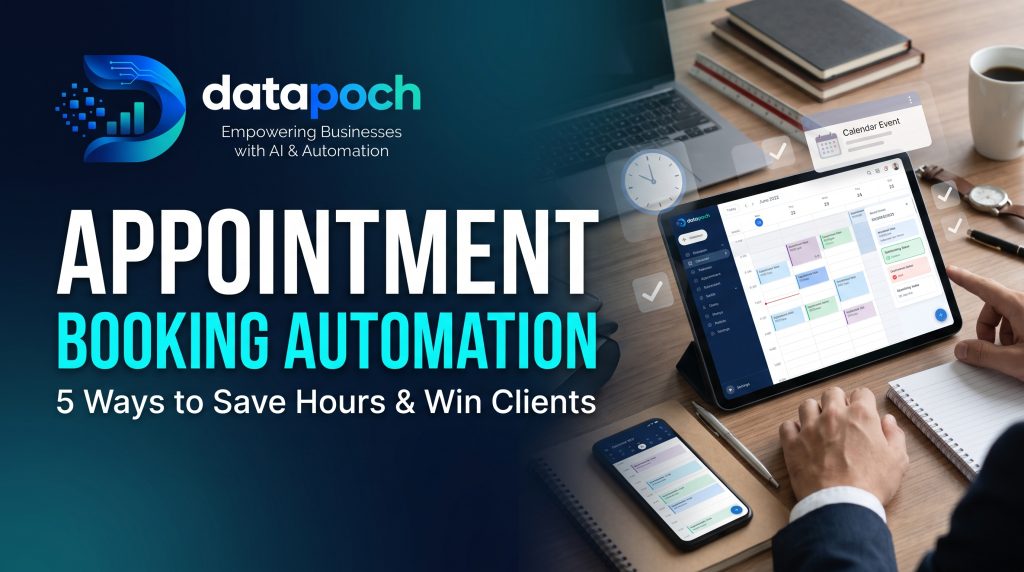
Implementing appointment booking automation is one of the fastest ways for service-based businesses in the United States to capture late-night leads, eliminate manual phone tag, and reduce costly no-shows. Whether you manage a consulting firm, a home service agency, a medical clinic, or a contracting business, managing client appointments manually consumes hours of productive time every single week.
When a prospective client decides they need a service, they expect instant gratification. If they have to fill out a static contact form and wait 24 to 48 hours for someone to call them back and negotiate a meeting time, they will often move on to a competitor who offers instant, frictionless scheduling.
In this guide, we will explore how automated scheduling workflows operate and why upgrading your calendar management can dramatically improve your customer retention and bottom line.
What Is Appointment Booking Automation?
Appointment booking automation goes far beyond displaying a basic digital calendar. It is an end-to-end digital workflow that connects your real-time availability, service parameters, client communication channels, and backend business software.
Instead of an employee taking calls, cross-checking team availability, manually sending calendar invites, and typing client information into spreadsheets, an automated system handles the entire journey:
- Self-Service Selection: The client selects their required service, preferred team member, and time slot directly on your website or landing page.
- Instant Verification: The system checks live team schedules to prevent double-booking and accounts for buffer times between appointments.
- Automated Confirmation & Reminders: The client receives instant confirmation via SMS and email, followed by automated reminders as the meeting date approaches.
- CRM Integration: The client’s details and booking notes automatically sync directly into your custom CRM for service businesses.
5 Proven Benefits of Automated Scheduling for US Businesses
If your office staff spends hours each week negotiating meeting times or dealing with missed appointments, here are five reasons to automate your booking process.
1. Capture Leads 24/7
A huge percentage of appointment requests occur outside standard business hours—often in the evenings when homeowners and business managers finally have time to deal with personal tasks. An automated system acts as a round-the-clock receptionist, capturing leads and filling your calendar while you sleep.
2. Drastically Reduce No-Shows
Missed appointments directly drain revenue and waste staff resources. Automated booking systems allow you to configure multi-channel reminder sequences (such as an email 24 hours prior and an SMS reminder 2 hours prior). Clients can easily confirm or reschedule with a single tap, keeping your calendar accurate and active.
3. Eliminate Double-Booking and Scheduling Conflicts
Managing schedules across multiple team members or service trucks manually leads to human error. Automated scheduling software syncs bidirectionally with Google Calendar, Outlook, and Apple Calendars. If a technician blocks off time for a personal errand, that slot is instantly removed from public availability, preventing awkward double-bookings.
4. Seamless Deposit and Payment Collection
For service businesses that require upfront consultation fees or booking deposits, automation ensures payments are collected before the appointment is confirmed. Integrating payment gateways directly into the booking step reduces non-paying leads and improves business cash flow.
5. Smart Buffer Times and Travel Calculation
For mobile service providers, contractors, and field agents, back-to-back appointments across town are impossible. Modern AI agents for small business can calculate drive times or add automatic 15-minute buffers between bookings, ensuring your team arrives on time without feeling rushed.
How to Implement Automated Booking in Your Business
To get the most out of your automated scheduling system, follow these straightforward steps:
- Define Service Parameters: List every service you offer along with exact durations, required preparation times, and associated costs or deposits.
- Establish Availability Rules: Set strict operational hours, maximum daily appointments, and advance notice rules (e.g., preventing clients from booking less than 4 hours in advance).
- Connect Your Core Tech Stack: Ensure your booking calendar links directly to your email service provider, payment processor, and customer database.
- Test the Client Experience: Walk through the booking sequence on both a desktop and a mobile device to ensure the process is intuitive and fast.
Final Thoughts
Your time is better spent growing your company, serving clients, and closing deals rather than sending back-and-forth emails to schedule meetings. By adopting appointment booking automation, you create a frictionless experience for your clients while giving your team hours of administrative time back every week.
Ready to streamline your scheduling workflow? If you want to eliminate phone tag and build an automated booking system tailored to your exact business rules, DATAPOCH is here to help. Visit DATAPOCH to discover our custom workflow and automation services, or explore our live capabilities on our Interactive Demos page.
Want this built for your business? Datapoch builds AI chatbots and voice receptionists for US service businesses. Book a free call to talk through your project.
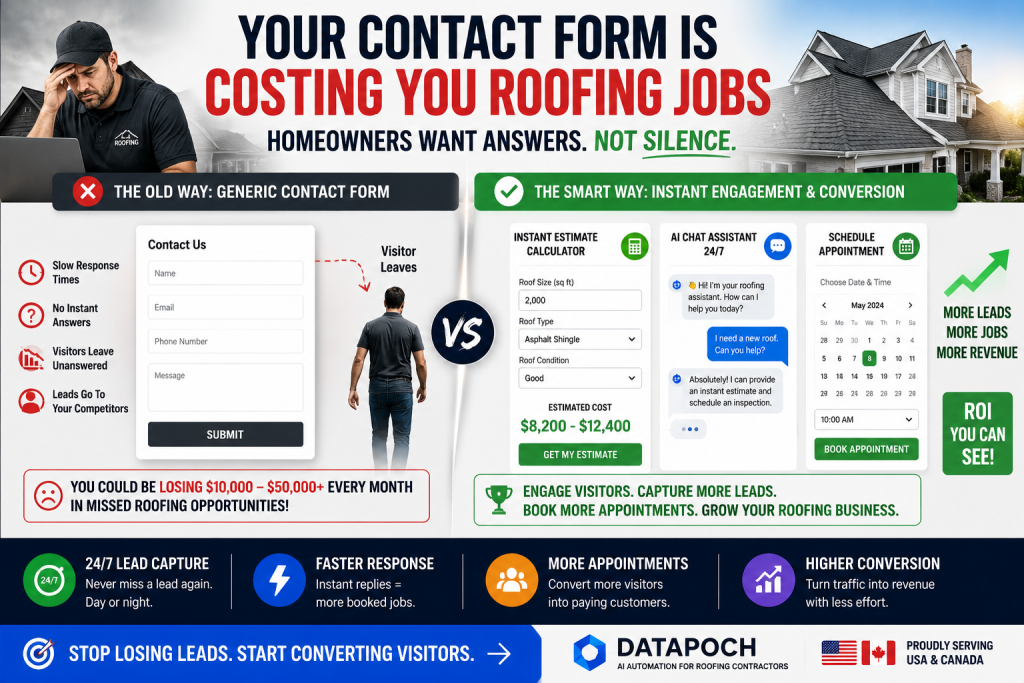
Stop Losing Contractor Leads
Datapoch helps contractors in the USA and Canada capture more leads, automate follow-up, and book more appointments.
Get Free ConsultationFrequently Asked Questions
How can contractors get more leads from their website?
Contractors can improve results by adding faster response systems, clearer calls to action, instant estimate tools, AI chat, and automated follow-up.
Does this blog layout work with old posts?
Yes. Once the plugin is activated, it automatically applies the premium layout to existing and new single blog posts.
Is this plugin built for Astra Free?
Yes. It is designed to work with Astra Free and Classic Editor, but it should also work with most standard WordPress themes.